Quick answer
Facility managers should choose a desk booking system that is easy for employees to use, configurable for real office rules, capable of distinguishing bookings from actual occupancy, equipped to reduce no-shows, privacy-conscious, and able to integrate with the company’s existing workplace technology.
What Facility Managers Should Know About Desk Booking
Desk booking software gives employees a structured way to find and reserve a suitable workspace in a hybrid office. For facility managers, however, the system is not simply a booking calendar. It influences space utilization, workplace rules, cleaning and service planning, employee experience, data quality, and long-term real estate decisions.
The right desk reservation system should fit the way the office actually operates. It should make booking simple for employees while giving facility and workplace teams the controls and information they need to manage shared spaces reliably.
The most important things to know about desk booking
Before comparing providers, facility managers should focus on five questions:
- Does the software reflect the organization’s locations, floors, teams, equipment, booking rules, and access permissions?
- Does it show both reservation data and actual occupancy, rather than treating every booking as confirmed use?
- Can it reduce no-shows through reminders, check-ins, automatic releases, and optional sensor data?
- Does it protect employee privacy while still providing useful workplace analytics?
- Can it connect with existing tools such as Microsoft 365, Outlook, Teams, calendars, HR systems, access control, sensors, and APIs?
A solution that performs well in these five areas is more likely to support daily operations and produce trustworthy data for future workplace decisions.
SEAMLESS WITH YOUR EXISTING IT LANDSCAPE
LIZ Smart Office connects with the tools your teams already use every day — no new login, no new habits. Book directly in Microsoft Teams, Outlook, Google Calendar, or your HR system.
- Microsoft Teams – communication & booking directly in Teams
- Microsoft Outlook – calendar synchronization
- Microsoft 365 – full productivity suite integration
- Microsoft Entra ID – Single Sign-On (SSO)
- Google Calendar – calendar synchronization
- Personio – HR system integration
- HRworks – HR system integration
- Waldmann – workplace sensors
- ProDVX – meeting room displays
- Blocklockers – digital locker system
- PKE – parking management system





Don't see your integration? Request an integration →
1. Operational fit matters more than a long feature list
Every hybrid office has its own operating model. Some organizations use fully flexible hot desk booking. Others assign home zones to departments, reserve certain desks for specific groups, or combine bookable desks with permanently assigned workstations.
Facility managers should therefore test whether the desk booking software can reproduce real policies without creating manual workarounds. Important capabilities may include:
- Multiple sites, buildings, floors, and zones
- Interactive floorplans with clearly positioned desks
- Department, team, and group permissions
- Desks filtered by equipment, accessibility, or workspace type
- Advance booking windows and time-slot rules
- Recurring bookings and bookings made on behalf of colleagues
- Fixed desk assignments and temporarily blocked workstations
- Capacity limits, cleaning intervals, and local office rules
The practical test is simple: can the system support common daily exceptions without requiring facility teams to maintain parallel spreadsheets or resolve avoidable support requests?
Collaboration Starts Before Employees Arrive at the Office
Successful hybrid collaboration begins during workplace planning.
A modern desk booking platform allows employees to answer questions such as:
- Which colleagues will be in the office?
- Where is my project team sitting?
- Which collaborative workspaces are available?
- Are meeting rooms available nearby?
- Which floor offers the best environment for today’s work?
Having this information beforehand enables employees to organize productive office days centered around teamwork instead of spending valuable time coordinating logistics after arrival.
This visibility is especially valuable for organizations with multiple offices or distributed teams.
2. Employee adoption determines whether the data is useful
Even technically strong workplace management software delivers limited value if employees do not use it consistently. A confusing reservation process leads to informal seat saving, incomplete bookings, and occupancy data that cannot be trusted.
A good hot desk booking experience should let employees see availability, compare locations and equipment, identify where teammates are sitting when privacy settings allow it, and complete a reservation in a few steps. Mobile, browser, and familiar workplace channels such as Microsoft Teams can reduce friction.
During a pilot, facility managers should measure booking completion, check-in rates, support questions, and the number of people who arrive without a reservation. These indicators reveal whether the process works in practice.
3. Booking data and occupancy data are not the same
A reservation records intent. Occupancy records actual use. The distinction is essential for facility management.
If a desk is booked but never used, reservation-only reporting can overstate demand. If employees sit down without booking, the same reporting can understate demand. Decisions about floor closures, cleaning schedules, workstation ratios, or lease reductions should not rely on bookings alone.
A mature desk booking system should help facility managers compare several data points:
- Available capacity
- Booked capacity
- Confirmed check-ins
- No-show rate
- Actual occupancy from sensors, where used
- Peak attendance by weekday, time, location, floor, or zone
- Demand for particular desk types or equipment
Heatmaps and trend reports can make patterns easier to identify, but the underlying definitions must be clear. Facility teams should ask how each metric is calculated, which time period it covers, and whether exports are available for further analysis.
4. No-shows create hidden capacity problems
A no-show occurs when someone reserves a desk but does not use it. In a busy office, ghost bookings make available capacity look smaller than it is and can cause employees to believe there are no desks left.
Effective no-show reduction usually combines several measures:
- Booking reminders before the reservation begins
- QR code, app, or automatic check-in
- A defined grace period
- Automatic cancellation and release of unused desks
- Clear communication about booking responsibilities
- Analytics that show recurring no-show patterns
- Optional sensor integration to validate actual use
Facility managers should be able to configure these rules by location or resource type. A policy that works in a headquarters building may not suit a small regional office.
5. Privacy must be designed into the operating model
Desk booking involves personal data because reservations can reveal when and where an employee plans to work. Workplace analytics may also create attendance or movement-related information. That makes privacy a core selection criterion, particularly for organizations operating under the GDPR.
Facility, IT, HR, legal, and employee representatives should agree on which data is necessary, who may access it, how long it is retained, and whether reports can be aggregated or anonymized. Employees should understand what the system records and why.
Questions for vendors should include:
- Where is data hosted and processed?
- Which subprocessors are involved?
- Are roles and access permissions configurable?
- Can analytics be aggregated or anonymized?
- Can retention periods and deletion processes be defined?
- Which technical and organizational security measures are documented?
- Does the provider hold a recognized information security certification?
The goal is not to collect the maximum amount of data. It is to collect the minimum information needed to operate and improve the workplace responsibly.
6. Integrations prevent duplicate processes
- Single sign-on and automated user provisioning
- Microsoft 365, Outlook, and Microsoft Teams
- Google Calendar
- HR systems and organizational data
- Sensors and building technology
- Access control and parking systems
- APIs for reporting or custom workflows
Ask vendors whether an integration is native, partner-based, or custom. Confirm the direction of data flow, synchronization timing, permissions, error handling, and responsibility for support.
7. Desk booking should support broader office operations
A desk reservation system may solve the immediate need for office space scheduling, but facility teams often manage more than desks. Meeting rooms, parking spaces, lockers, visitors, equipment, and services are part of the same employee journey.
A broader workplace management software platform can reduce fragmented administration when these resources share locations, permissions, floorplans, users, or reporting requirements. The important question is not whether every organization needs every module on day one. It is whether the platform can expand without forcing a complete system change later.
8. Reporting should answer operational questions
- Which days and hours have the highest demand?
- Which floors or zones are consistently underused?
- How large is the gap between bookings and confirmed use?
- Which desk types or equipment are most requested?
- Are no-shows increasing or decreasing after a policy change?
- Can a floor be consolidated on quieter days?
- Does the organization have enough capacity for expected attendance?
Useful reporting should support filters, clear metric definitions, appropriate privacy controls, and exports. It should also allow teams to compare trends over time instead of relying on a single snapshot.
9. Implementation requires ownership and change management
Successful desk booking is a workplace change, not only a software rollout. Employees need to understand when to book, when to check in, how cancellations work, which spaces are restricted, and where to get help.
Before launch, assign ownership for floorplans, resource data, user permissions, support, reporting, and policy decisions. Start with a pilot group that reflects different roles and working patterns. Use feedback and usage data to improve the setup before a wider rollout.
A strong vendor should support configuration, onboarding, training, and ongoing optimization, not simply provide access to the software.
Desk booking software evaluation checklist
Area | What to verify |
Operational model | Sites, floors, zones, desk types, rules, permissions, fixed and flexible desks |
Employee experience | Fast booking, floorplans, filters, colleague visibility, mobile and browser access |
No-show control | Reminders, check-ins, grace periods, automatic release, reporting |
Analytics | Bookings, occupancy, no-shows, peaks, heatmaps, trends, exports |
Privacy and security | GDPR support, hosting, access roles, retention, anonymization, certifications |
Integrations | Identity, Microsoft 365, calendars, HR systems, sensors, API, building tools |
Administration | Bulk changes, permissions, resource maintenance, auditability, multi-site control |
Scalability | Additional locations, users, resources, modules, and reporting needs |
Vendor support | Implementation, training, customer success, support ownership, service levels |
How LIZ Smart Office supports facility managers
LIZ Smart Office is a German workplace management platform for hybrid workplaces. It combines workplace booking with the management of meeting rooms, parking spaces, lockers, visitors, workplace analytics, sensor integrations, and other office processes in one central platform.
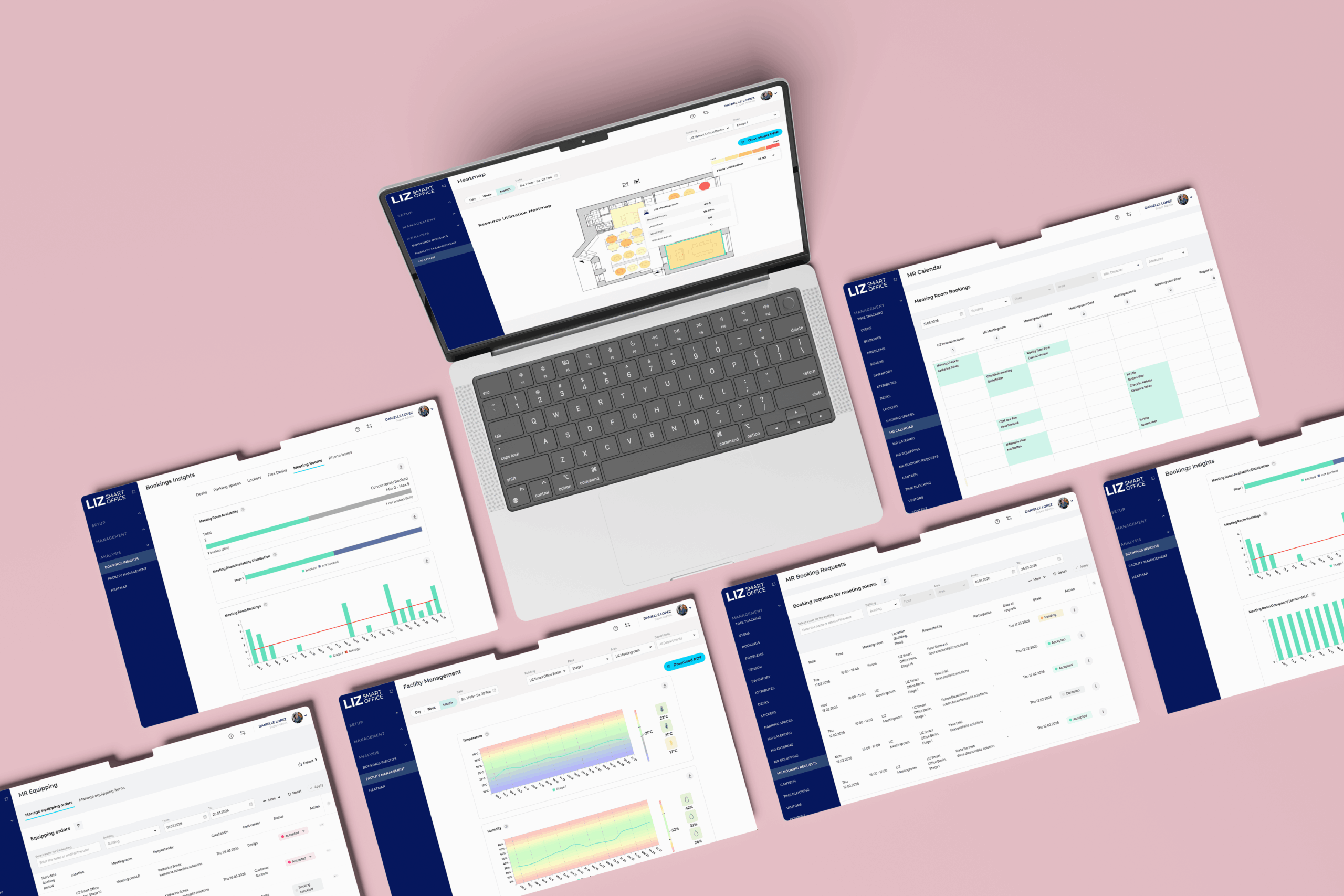
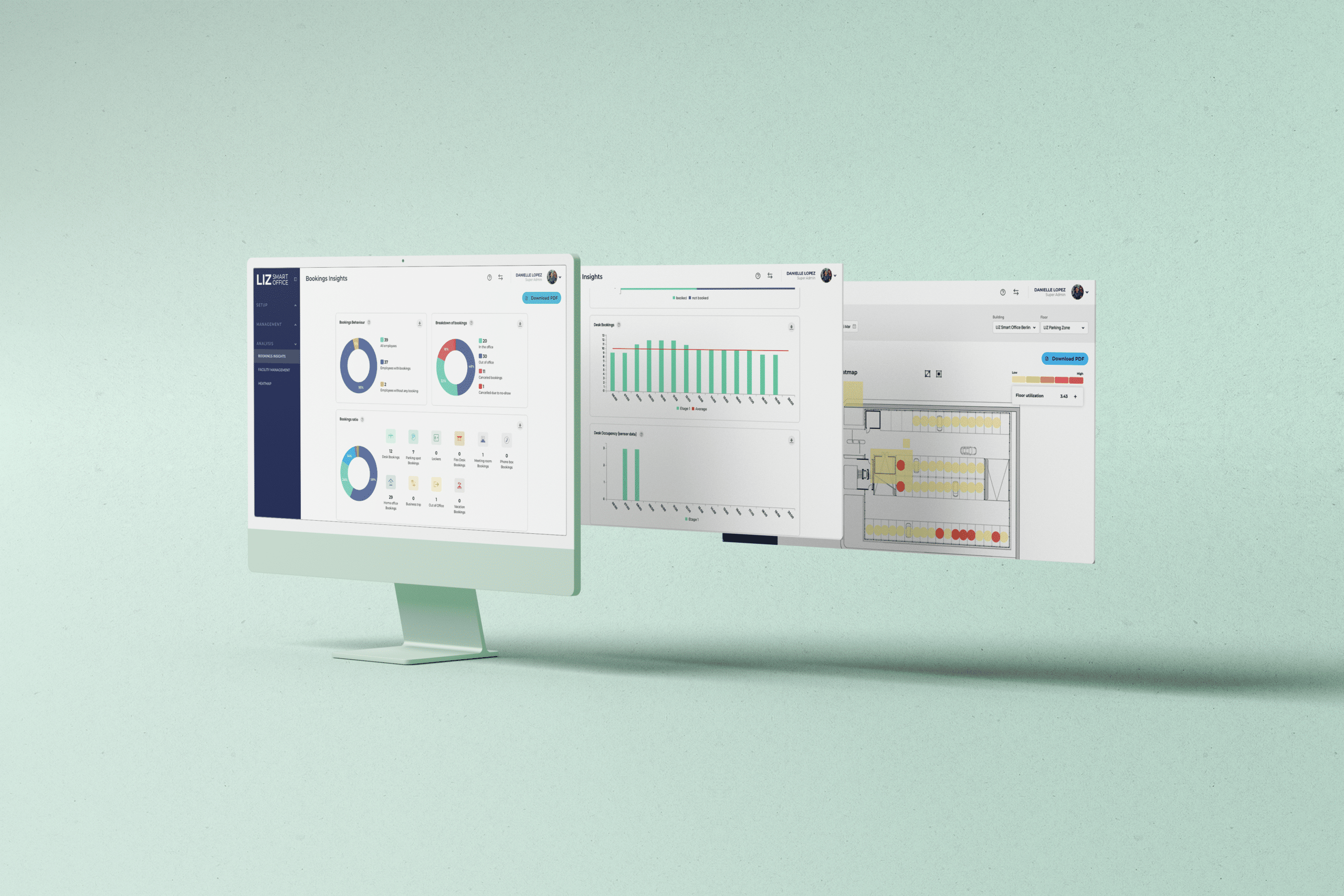
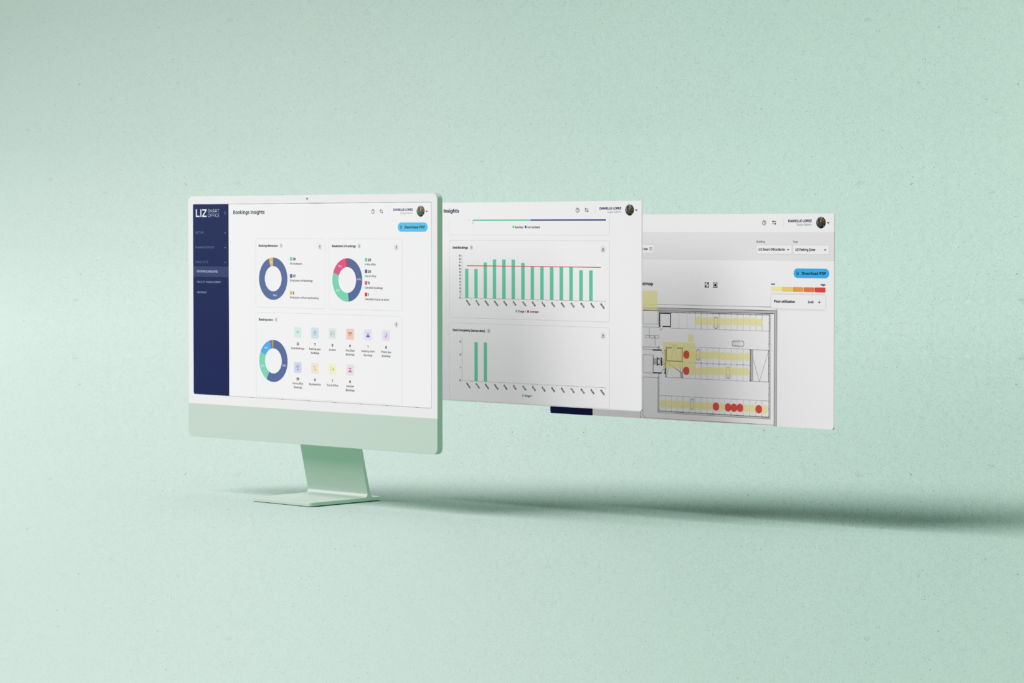
For facility managers, LIZ provides interactive floorplans, configurable booking and permission rules, check-in and no-show processes, heatmaps, utilization reports, no-show analysis, and data exports. Employees can access workplace functions through mobile apps, a web app, and Microsoft Teams. Sensor technology can be added later to compare reservations with actual occupancy and strengthen the data basis for space decisions.
LIZ Smart Office is GDPR-compliant, ISO 27001 certified, and hosted in Germany. It also supports integrations with Microsoft 365 and other workplace systems, helping organizations connect desk booking with their broader digital workplace.
Conclusion
For facility managers, desk booking software is both an operational tool and a source of workplace intelligence. The best system is not necessarily the one with the longest feature list. It is the one that fits real office rules, employees use consistently, produces understandable data, reduces wasted capacity, respects privacy, and connects with the existing workplace environment.
By evaluating operational fit, adoption, occupancy data, no-show management, privacy, integrations, reporting, and implementation support together, facility teams can choose a solution that works today and remains useful as the hybrid workplace evolves.
Frequently asked questions about desk booking software
What is desk booking software?
Desk booking software is a digital system that allows employees to find and reserve available workstations. Facility teams use it to configure spaces and rules, manage shared capacity, and analyze how workplaces are booked and used.
What is the difference between hot desking and desk booking?
Hot desking is a workplace model in which employees do not have a permanently assigned desk. Desk booking is the process or software used to reserve a specific workstation in advance or on arrival.
Why do facility managers need desk booking software?
It helps facility managers organize shared desks, apply booking rules, reduce manual coordination, identify demand patterns, manage no-shows, and make better-informed space and service decisions.
How does desk booking software reduce no-shows?
It can use reminders, check-in requirements, grace periods, automatic cancellation, and optional occupancy sensors. Unused desks can then be released for other employees.
Can desk booking software measure office occupancy?
It can report reservations and check-ins. When connected with occupancy sensors, it can also help compare booked desks with actual use. The software should clearly distinguish these data sources.
Is desk booking software GDPR-compliant?
Compliance depends on how the product and the organization process personal data. Companies should assess hosting, access controls, retention, transparency, data minimization, contracts, subprocessors, and security measures before implementation.
Which integrations are important for desk booking?
Common requirements include single sign-on, Microsoft 365, Outlook, Microsoft Teams, Google Calendar, HR systems, occupancy sensors, access control, and APIs. The right mix depends on the company’s existing technology environment.
What should be included in a desk booking software pilot?
A pilot should include representative users and locations, realistic booking rules, floorplans, permissions, check-in processes, integrations, reporting, and support. Teams should measure adoption, booking completion, no-shows, data quality, and user feedback.