Book the right desk. Make better use of every office.
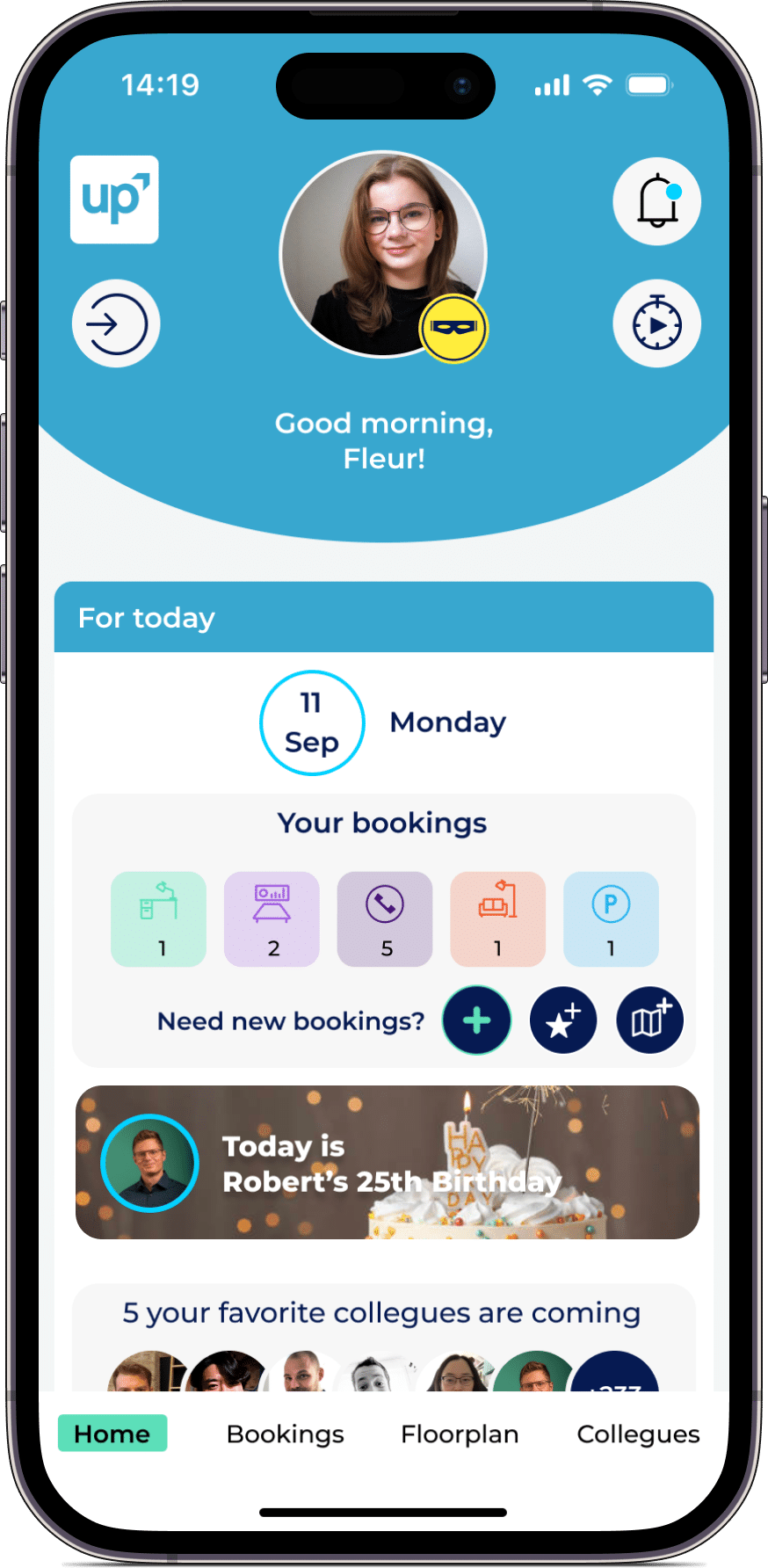
LIZ Smart Office helps employees find and reserve the right workspace in just a few clicks. Interactive floor plans, colleague visibility, check-ins and workplace analytics make hybrid work easier to plan for employees and workplace teams.
- GDPR-compliant
- ISO 27001 certified
- Hosted in Germany
- Web, iOS and Android
















What is desk booking software?
Why companies use desk booking software
Desk booking software gives employees clarity about where they can work, who will be in the office and which equipment is available. Workplace teams gain the data and control they need to manage hybrid offices more efficiently.
Find the right desk faster
Employees can search interactive floor plans and filter desks by location, equipment, accessibility or individual requirements.
Coordinate hybrid teams
Colleague visibility helps teams plan shared office days and choose workplaces close to the people they want to collaborate with.
Reduce no-shows
Check-ins, booking reminders and configurable no-show rules release unused desks and keep availability accurate throughout the day.
Use office space efficiently
Booking and occupancy data reveal which spaces are in demand and where office capacity can be adapted to actual workplace needs.
Simplify workplace administration
Admins can manage booking rights, desk types, office zones, departments and availability rules from one central platform.
Make hybrid work predictable
Employees know when desks are available and workplace teams can prepare offices based on expected attendance and demand.
Find and book a desk in three simple steps
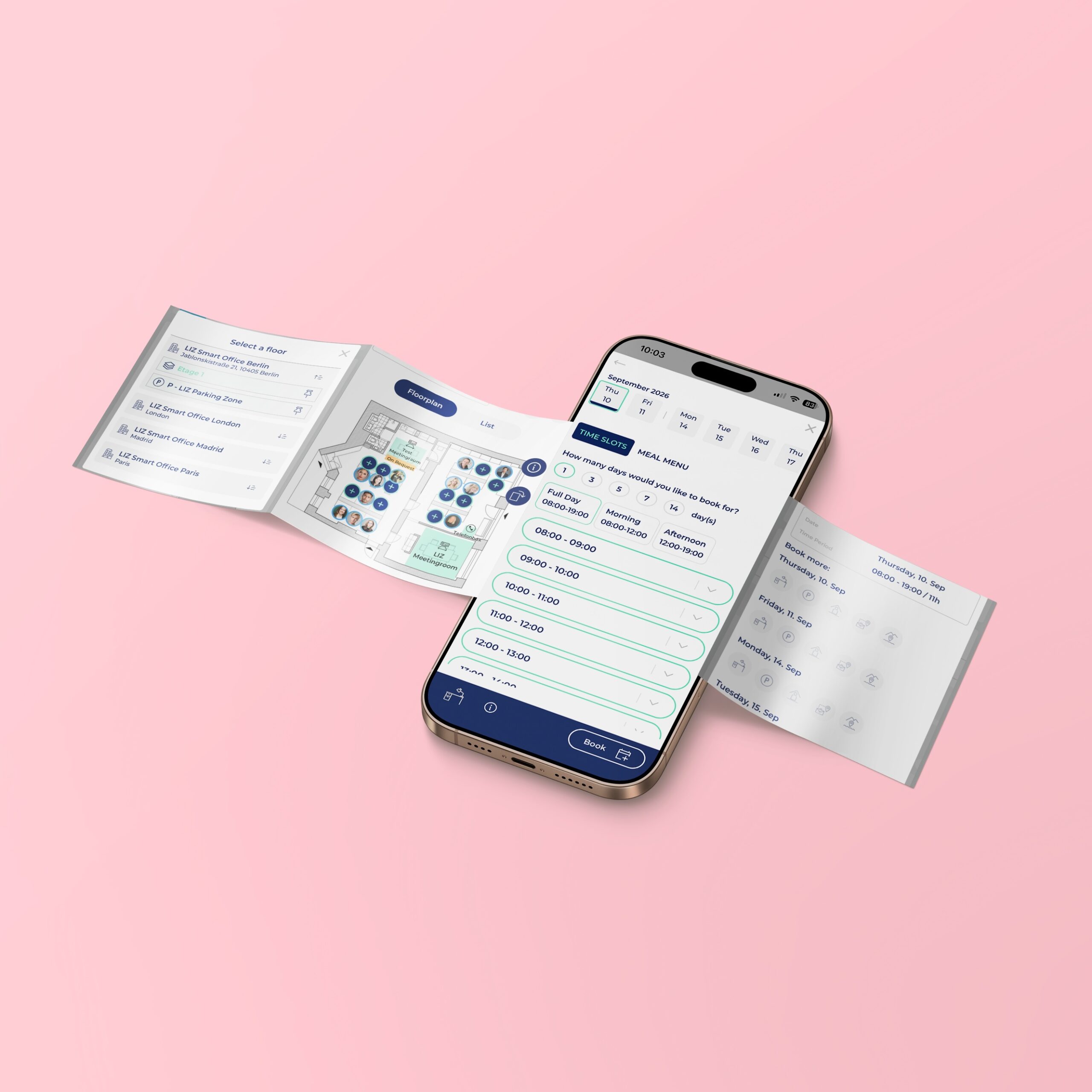
Employees can find a suitable workplace, check availability and complete their booking through the LIZ Booker app or web application.
Choose your preferred office day
Start by selecting a date, office building and workplace area. You can immediately see which locations are available and when colleagues plan to be in the office.
- Select a date and time
- Choose an office location
- View colleague attendance
- Use the app or web browser
Find a workspace that meets your needs
Use the interactive floor plan and workplace filters to compare available desks. Employees can choose a desk based on equipment, location, accessibility or proximity to colleagues.
- Explore interactive floor plans
- Filter by desk equipment
- Save favourite workplaces
- Find nearby colleagues
Reserve your desk and check in
Confirm the booking in just a few clicks. On arrival, employees can check in digitally or by scanning a QR code, depending on the organisation's booking rules.
- Book in just a few clicks
- Receive booking confirmation
- Check in digitally or by QR code
- Release unused workplaces
SEAMLESS WITH YOUR EXISTING IT LANDSCAPE
LIZ Smart Office connects with the tools your teams already use every day — no new login, no new habits. Book directly in Microsoft Teams, Outlook, Google Calendar, or your HR system.
- Microsoft Teams – communication & booking directly in Teams
- Microsoft Outlook – calendar synchronization
- Microsoft 365 – full productivity suite integration
- Microsoft Entra ID – Single Sign-On (SSO)
- Google Calendar – calendar synchronization
- Personio – HR system integration
- HRworks – HR system integration
- Waldmann – workplace sensors
- ProDVX – meeting room displays
- Blocklockers – digital locker system
- PKE – parking management system







Don't see your integration? Request an integration →
All the features you need for simple desk booking
From finding a desk to analysing workplace utilisation, LIZ Smart Office supports employees, teams and administrators throughout the desk-sharing process. Select a category to explore the features.
Interactive floor plans
Available and booked workplaces are displayed directly on building and floor plans, helping employees immediately understand where each desk is located.
Real-time availability
Employees can search available desks by location, floor, office area, date and time before reserving a suitable workplace.
Workplace filters
Filters for monitors, docking stations, adjustable desks, quiet zones and individual requirements help employees find the right desk.
Favourites and recurring bookings
Employees can save preferred workplaces and create recurring reservations for regular office days.
Colleague overview
Employees can see who plans to work in the office on a particular day and where each colleague has booked a desk.
Colleague search
Find people and teams quickly, making shared office days and face-to-face collaboration easier to plan.
Favourite colleagues
Important contacts can be saved as favourites so their planned office attendance is easier to see.
Social feed
Company news, team activities and office events give employees additional reasons to coordinate shared office days.
Roles and permissions
Define which people, groups or departments can book particular locations, office areas and workplaces.
Team and home zones
Reserve defined workplace zones for teams or departments and combine them with areas available to everyone.
Booking policies
Centrally manage advance booking periods, booking duration, quotas, priorities and other workplace rules.
Flexible and fixed desks
Combine desk sharing with permanently assigned desks within the same interactive floor plan.
QR code check-in
Employees confirm their attendance directly at the desk by scanning a QR code with their smartphone.
Automatic desk release
If a reservation is not confirmed in time, the workplace can automatically become available for another employee.
Check-in and check-out
Record the beginning and end of actual desk use to improve transparency and workplace data quality.
Sensor integration
Occupancy sensors can detect actual desk use and complement booking data with real workplace occupancy information.
Work status
In addition to office attendance, employees can display home office, mobile work, business travel and other statuses.
Booking for others
Authorised users can reserve workplaces for colleagues, teams or external visitors.
Web, iOS and Android
Employees can search and book workplaces through a browser, smartphone or tablet.
Custom branding
Colours, logos and images of office locations and rooms can be adapted to the organisation's visual identity.
First aid and fire safety contacts
Responsible employees can be displayed in the LIZ Booker and on the floor plan so they can be contacted quickly.
Digital safety plan
Emergency exits, fire extinguishers, defibrillators, first aid kits and assembly points can be stored centrally.
Mobile availability
Employees can access workplace safety information and emergency contacts from their smartphones.
Current attendance overview
In an emergency, check-ins and booking data help workplace teams understand planned attendance at each location.
Small features that make a big difference in everyday office life
Mark dog-friendly areas and let employees indicate whether they will bring a dog when booking their workplace.
Place information such as printer locations or service points directly on the floor plan and add helpful descriptions.
Employees can order lunch for the canteen while booking their workplace for the day.
Display which colleagues have booked an office so employees can find the right person more quickly.
Simple for employees. Powerful for admins.
LIZ Smart Office creates an intuitive booking experience for employees while giving workplace teams the control and information they need to manage flexible offices.
A workplace that is easy to plan
Employees can quickly see where space is available, who will be in the office and which desk matches their needs. Booking works through the web application or the LIZ Booker app for iOS and Android.
- Web, iOS and Android
- Interactive floor plans
- Colleague visibility
- Favourite desks
Find the right desk
Search available workplaces by location, equipment and office zone.
Coordinate office days
See when colleagues plan to visit the office and book nearby.
Book in a few clicks
Create individual or recurring reservations without a lengthy booking process.
Save favourite workplaces
Return to preferred desks and familiar office areas more quickly.
Control workplaces, policies and access centrally
Workplace admins can configure bookable resources, booking rules and user permissions across locations. Central data helps teams improve availability and adapt office capacity to actual demand.
- Central administration
- Booking policies
- Roles and permissions
- Workplace analytics
Configure booking rules
Define booking windows, recurring reservations, check-ins and cancellation policies.
Manage locations centrally
Organise buildings, floors, office zones and workplace types from one platform.
Understand workplace demand
Analyse bookings, no-shows and workplace utilisation across different office locations.
Control access and permissions
Assign booking rights by user, department, group or office location.
Make the entire working day transparent
In addition to desk booking, organisations can activate further work and absence statuses. Teams can see not only who is in the office, but also who is working remotely, travelling or unavailable.
Your dedicated contact person:
from onboarding to ongoing operations.
Whether you have questions, need to make changes or have new requirements, your dedicated Customer Success Manager understands your processes and is there to support you.
From assumptions to informed workplace decisions
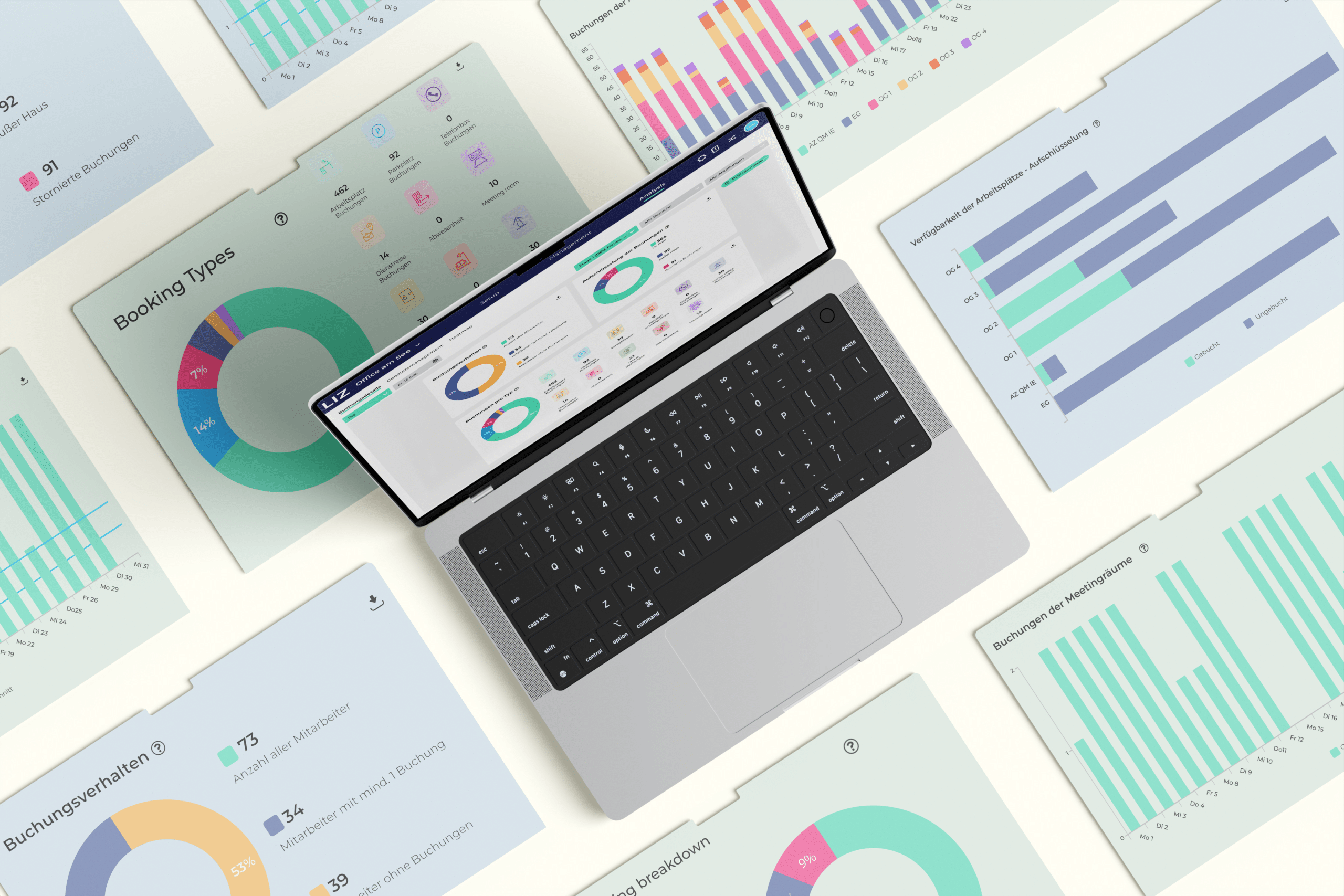
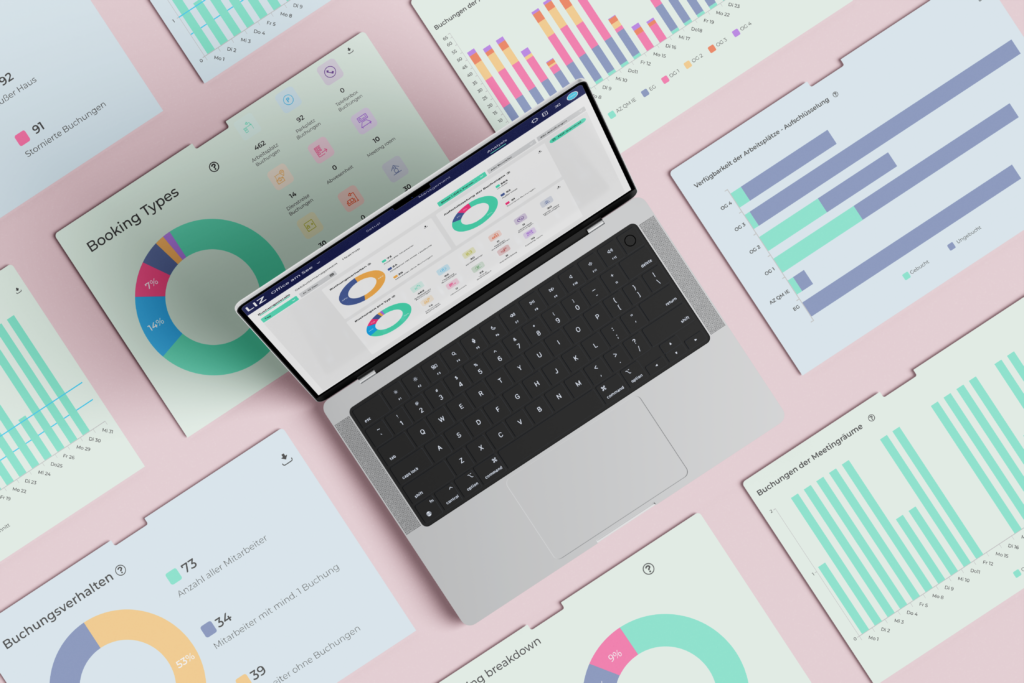
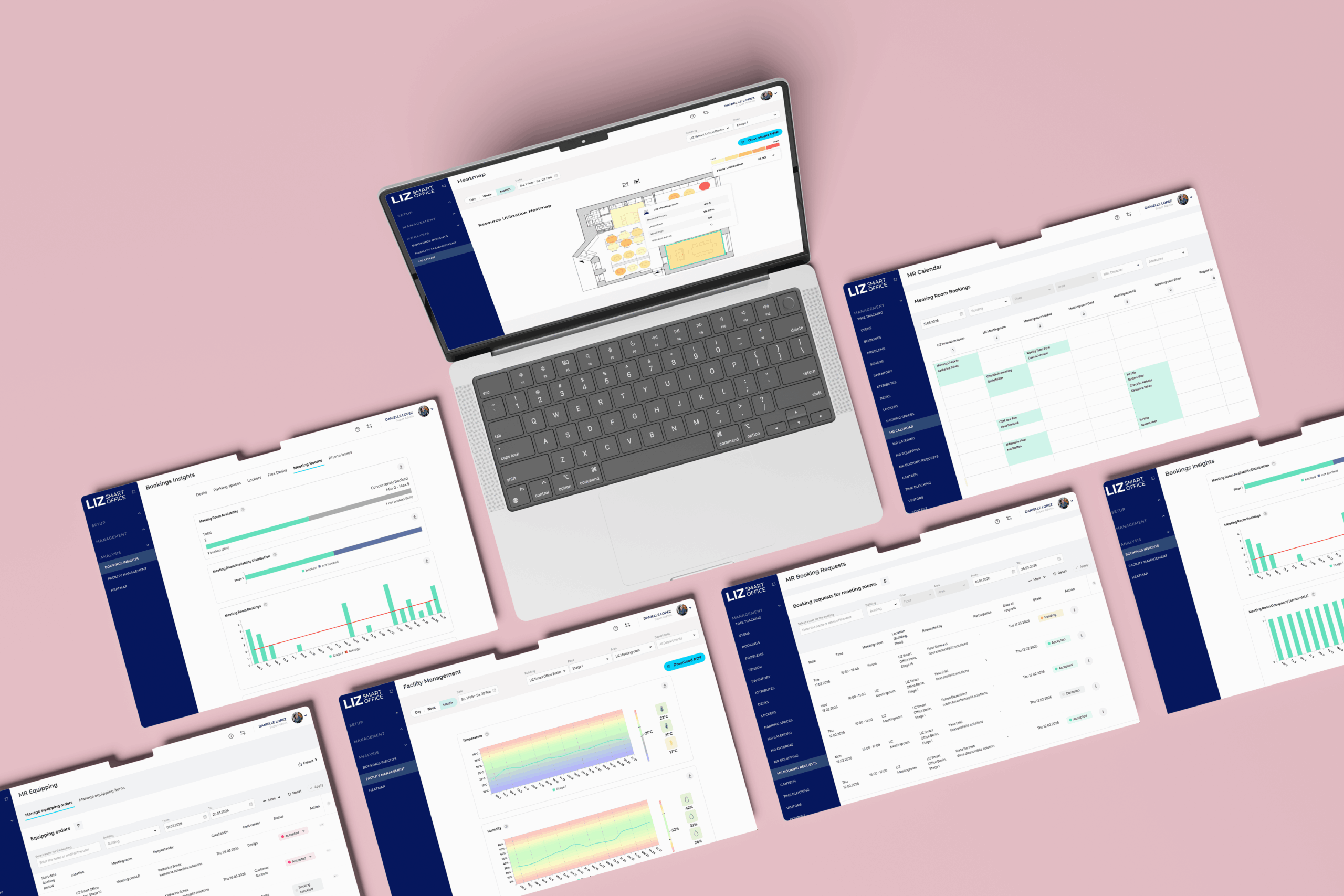
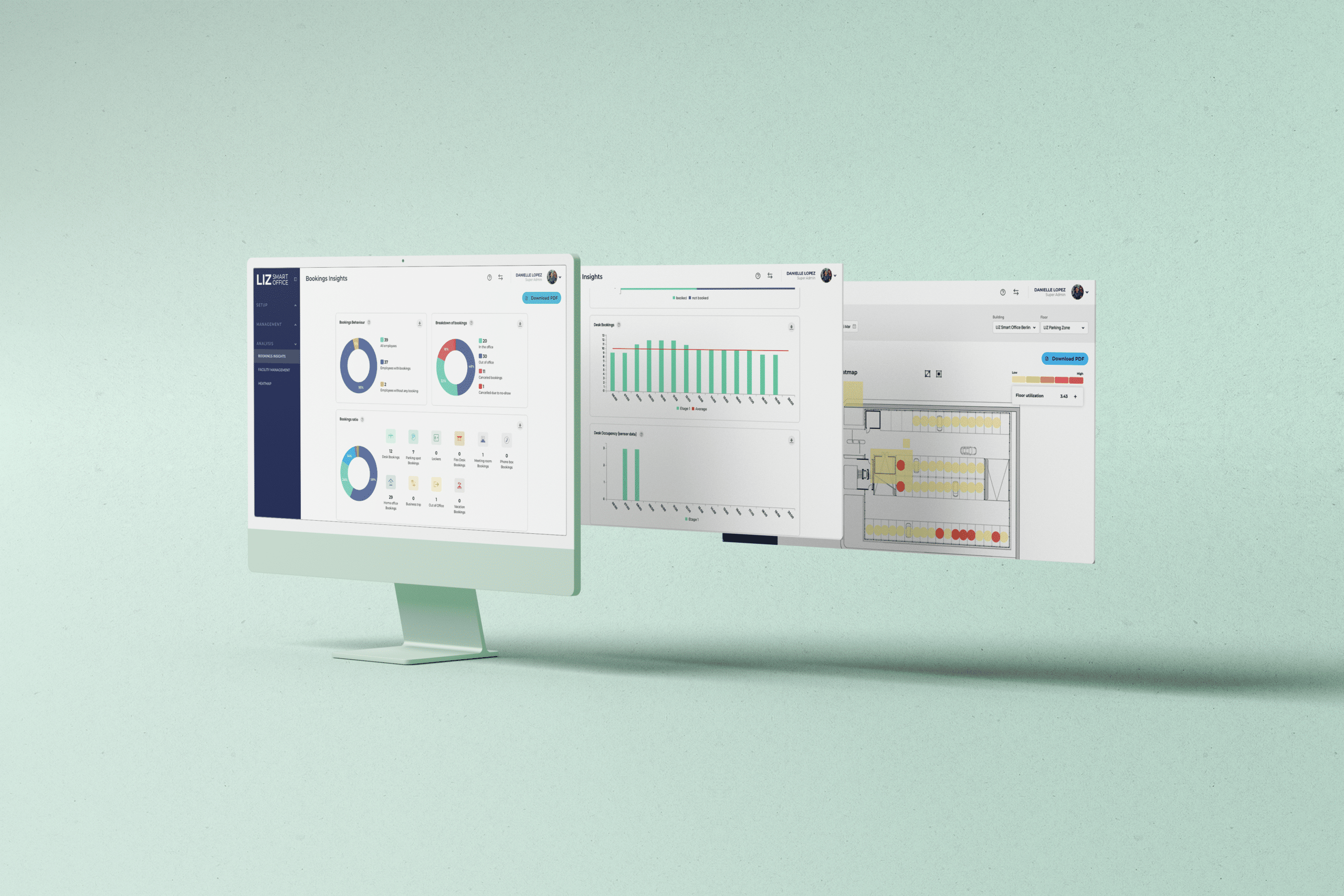
Analyse workplace utilisation, booking behaviour, no-shows and demand peaks by location, floor or resource. This helps workplace teams identify optimisation opportunities and plan office space according to actual demand.
- Heatmaps and workplace usage patterns over time
- Compare planned bookings with actual workplace occupancy
- Reliable data for capacity planning and office space costs
One office day. Every resource. One app.
LIZ Smart Office connects desk booking with all the resources employees need throughout their office day. Explore each area through the interactive cards.
Desk booking
Find available desks, filter workplace equipment and coordinate office days with colleagues.
Learn moreMeeting rooms
Find and book suitable meeting rooms based on availability, capacity and equipment.
Learn moreParking spaces
Digitally organise parking spaces, electric vehicle charging, booking policies and parking quotas.
Learn moreLockers
Assign lockers flexibly and enable convenient, secure handovers through shareable access codes.
Learn moreISO 27001 CERTIFIED
& 100% GDPR COMPLIANT
YOUR APP, YOUR BRANDING!
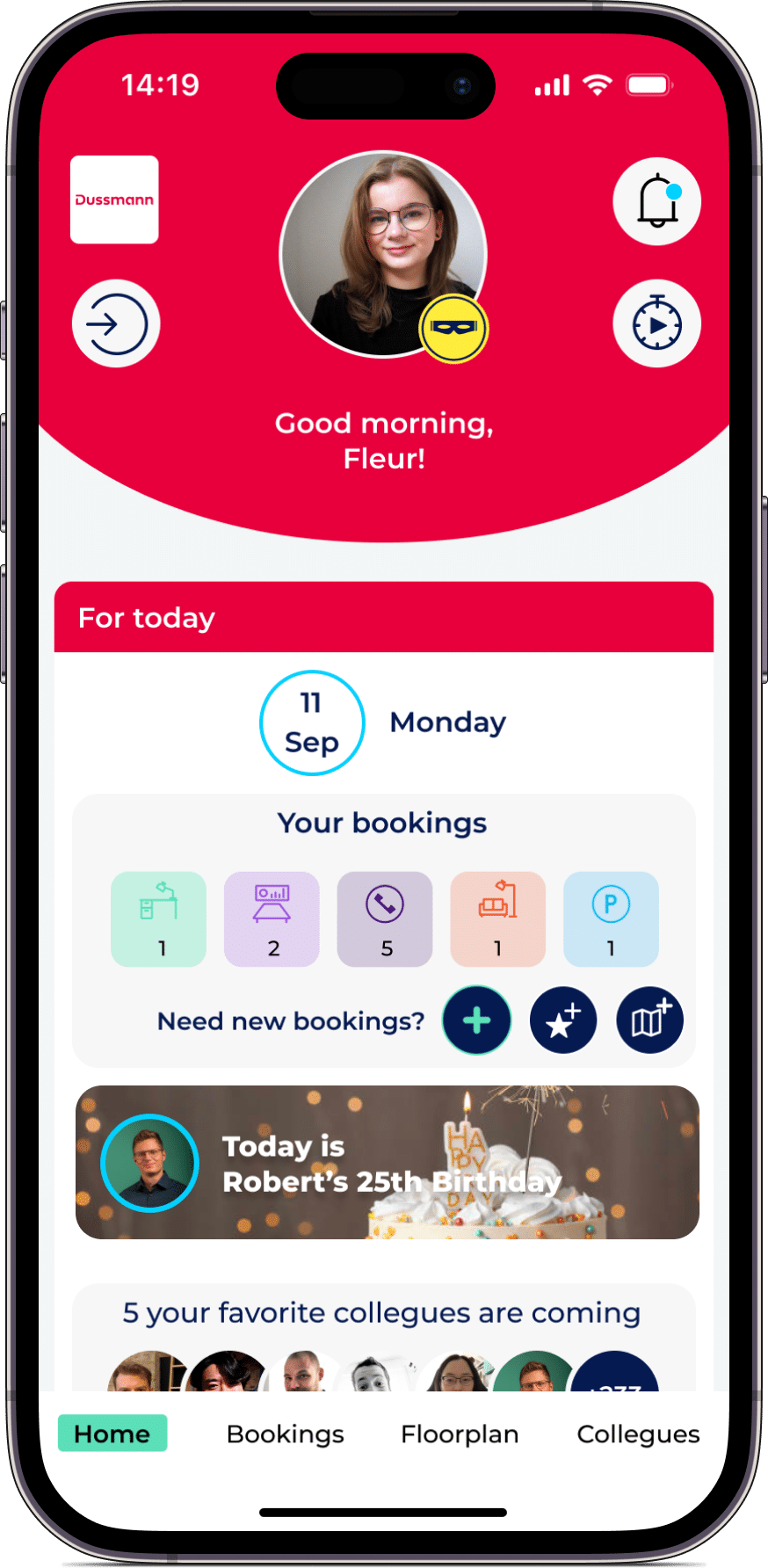
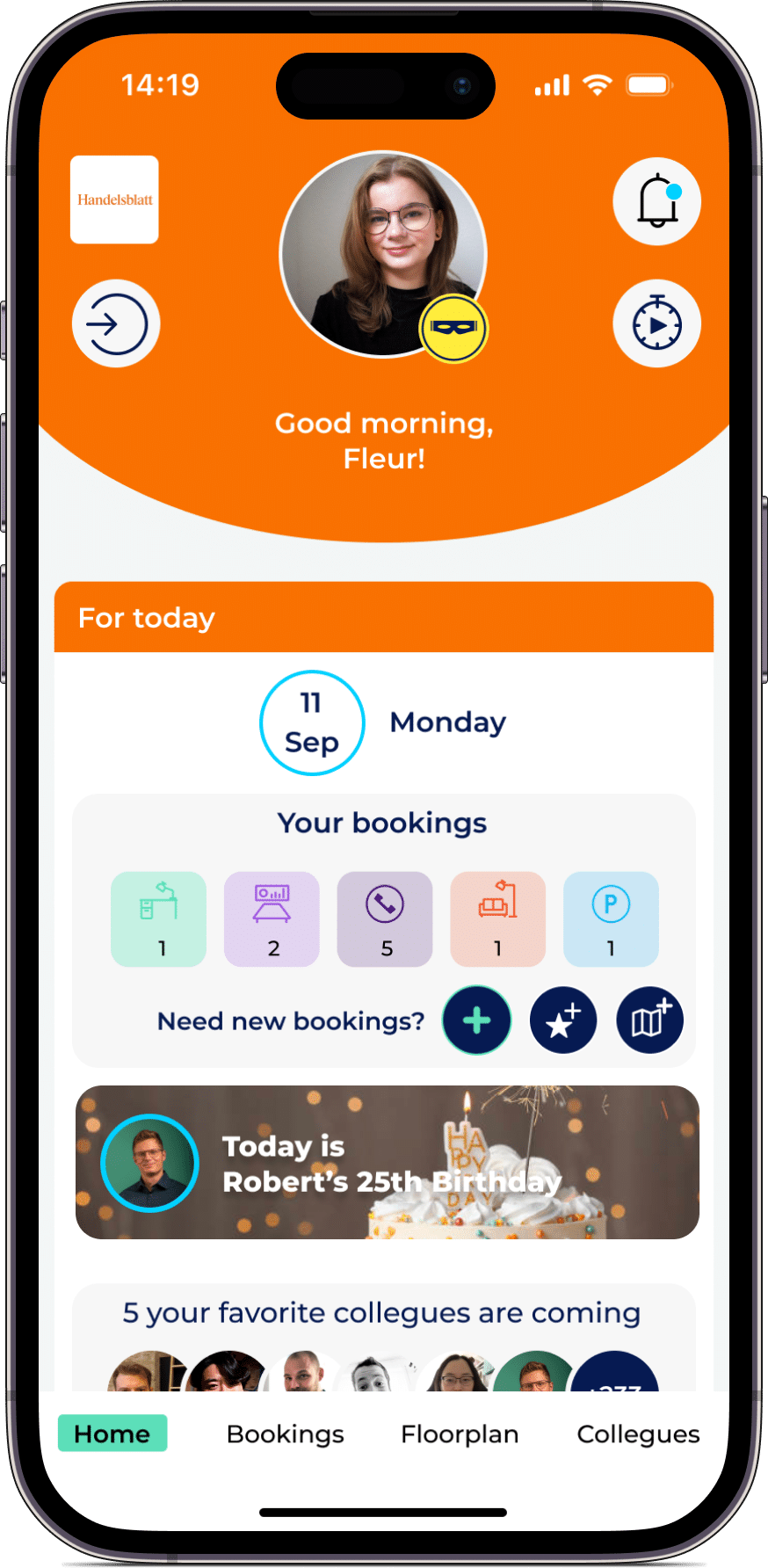
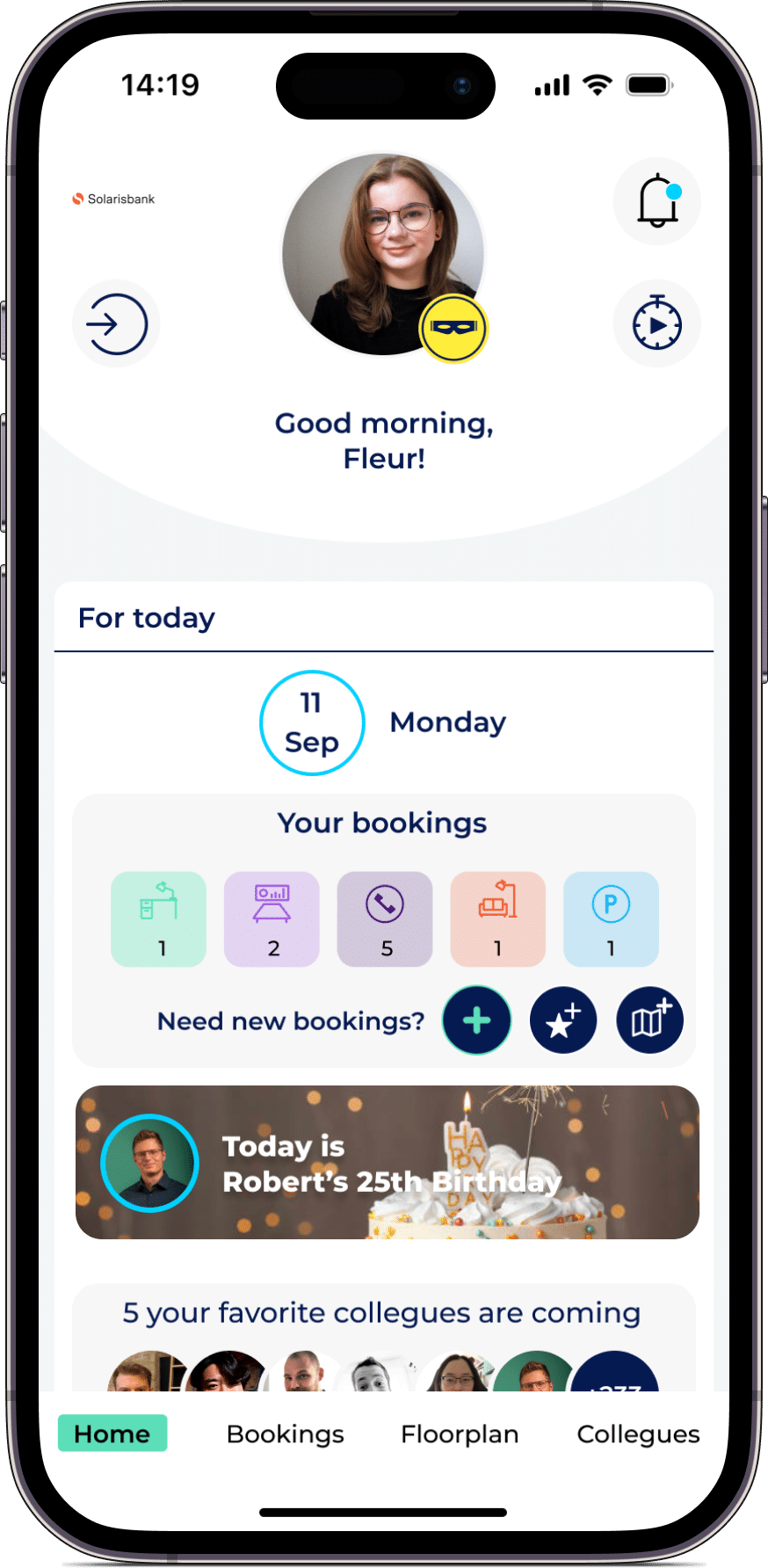
Customize our desk booking software to fit your brand! Choose your own colors and upload logos and images of your workspaces, meeting rooms, and buildings. Our app is all about flexibility and personalization, so make it yours and impress your clients and team members.
VALUABLE INSIGHTS
FOR A MORE EFFICIENT SMART OFFICE
HYBRIDES WORK
MADE EASY
These customers trust us – from start-ups to large companies. With LIZ, booking workspaces is easy.
Is LIZ the right fit for your workplace strategy?
In a personalised demo, we will show you how LIZ Smart Office can manage desks, booking policies, teams and workplace analytics across your office locations.
Answers about desk booking
Find clear answers to common questions about desk booking software, implementation, integrations, no-shows, workplace analytics and data protection.
What is desk booking software?
Desk booking software is a digital system for reserving flexible workspaces. Employees can see available desks and equipment, select an office location and book through an app or browser. Organisations can centrally manage office areas, booking rights and workplace policies while analysing how office space is used.
How does desk booking with LIZ Smart Office work?
Employees select an office location and date, find a suitable desk on the interactive floor plan and reserve it in a few clicks. Depending on the organisation's settings, employees can check in using a QR code. Unconfirmed reservations can be released automatically.
Can LIZ manage both flexible and fixed desks?
Yes. Organisations can manage flexible desk-sharing workspaces, permanently assigned desks, team zones and restricted office areas within the same platform and interactive floor plan.
How does LIZ help reduce desk booking no-shows?
Check-in periods, QR codes and automatic desk releases make reserved but unused workplaces available to other employees. Workplace Analytics also helps administrators identify locations and periods where no-shows occur regularly.
Can employees see who is in the office?
Yes. Depending on the organisation's privacy and visibility settings, employees can see which colleagues plan to be in the office and where they have booked a desk. Team overviews and favourite colleagues make shared office days easier to coordinate.
Which integrations does LIZ desk booking support?
LIZ Smart Office can connect with Microsoft 365 and Outlook, Google Calendar, HR systems, Single Sign-On, occupancy sensors and other systems through interfaces. The specific setup depends on the organisation's existing IT environment.
Is LIZ Smart Office GDPR compliant?
Yes. LIZ Smart Office is GDPR compliant, ISO 27001 certified and hosted in Germany. Roles and permissions support controlled access to workplace, booking and user data.
What size of organisation is LIZ suitable for?
LIZ is suitable for organisations with one or multiple office locations that want to manage flexible workplaces in a structured way. It is particularly valuable for hybrid organisations with several teams, different access rights or complex booking policies.
How much effort is required to implement desk booking?
Floor plans, bookable resources, user groups and booking policies are configured centrally. Integrations and the rollout are adapted to the organisation's requirements. The intuitive interface helps reduce training requirements for employees.
ARE YOU READY TO GO HYBRID?
Join our monthly newsletter for desk booking trailblazers and receive the latest stories, news, and insights directly to your inbox.