Hybrid working has long since become the norm. Offices are no longer statically allocated, but are used dynamically, depending on the team, project or day of the week. This is precisely where modern workplace management tools come in: they help companies to organise workstations, meeting rooms and car parks efficiently, whilst enabling them to make data-driven decisions.
But not all tools are the same. The differences lie primarily in their range of features, user-friendliness and strategic added value.
What makes a good workplace manager
Before we compare the providers, it’s worth taking a look at the key features, as these ultimately determine how well they perform in everyday use.
Desk Booking
The heart of every workplace solution.
Key features:
- Interactive floor plans for visual booking
- Filters by facilities or team membership
- Bookings for individual days or on a recurring basis
- Check-in function to prevent empty workstations
Objective: To enable staff to find the right workspace quickly and intuitively.
Meetingroom Booking
A common bottleneck in everyday office life.
Key features:
- Real-time availability
- Integration with Outlook, Microsoft Teams, Google Calendar and Google Meet
- Display of equipment (e.g. screen, video conferencing equipment)
- On-site booking via tablet or QR code
Objective: Efficient use of meeting rooms without idle time or double bookings
Parking Spot Booking
An often underestimated but crucial feature.
Key functions:
- Booking of parking spaces
- Prioritisation of specific user groups
Link to office attendance
Objective: Fair and transparent use of limited parking spaces
Analytics & Space Optimisation
The biggest difference between basic tools and genuine platforms.
Key features:
- Occupancy analysis
- Identification of peak times
- Optimisation of office space
Objective: To reduce costs and manage office strategy based on data
Integrations & Usability
A tool will only be used if it is easy to use.
Key criteria:
- Integration with existing systems
- Mobile use
- Intuitive user interface
LIZ INTEGRATIONS IN MS TEAMS AND MORE FOR YOUR BEST DESK BOOKING

#1 LIZ Smart Office: The strategic all-in-one platform
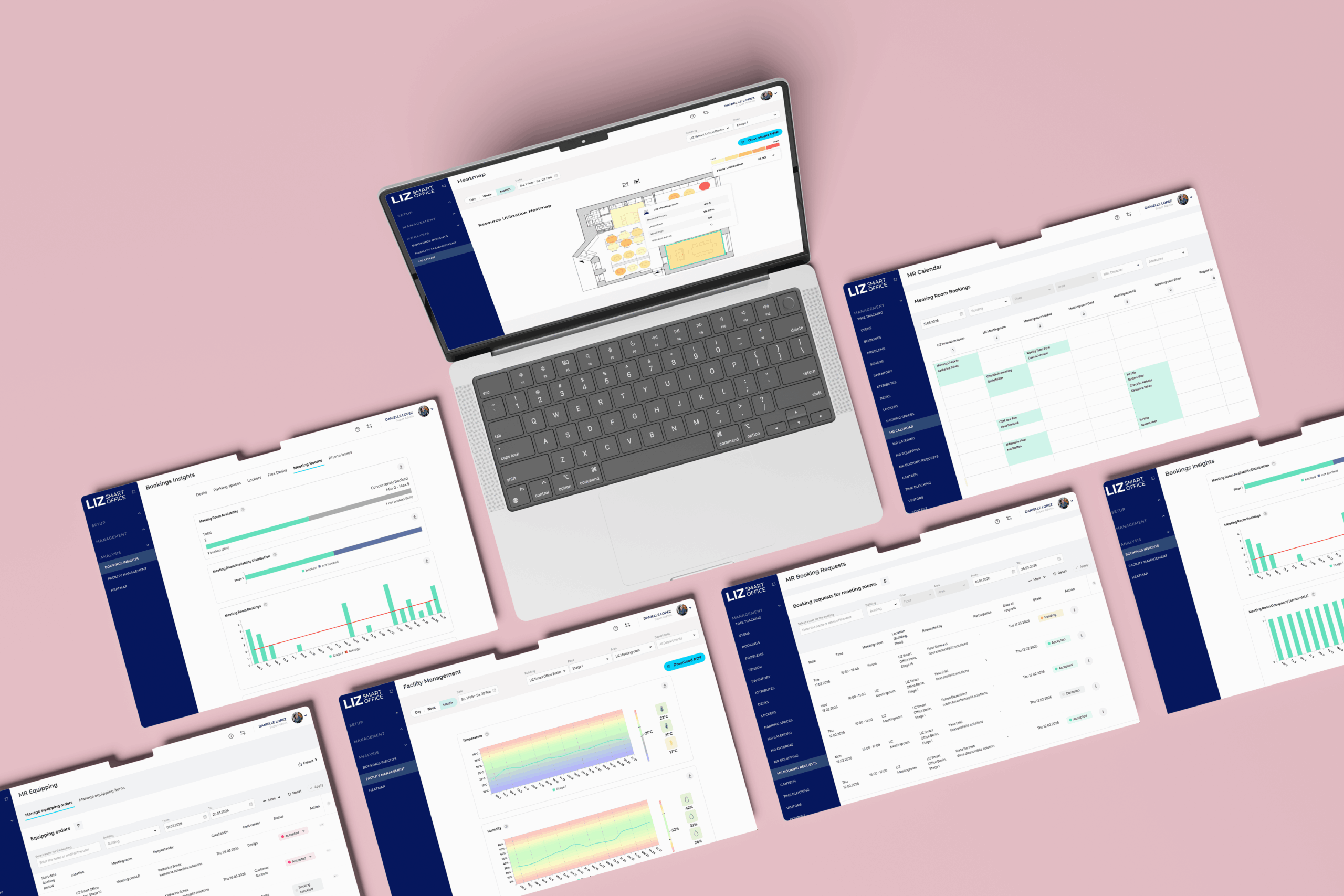
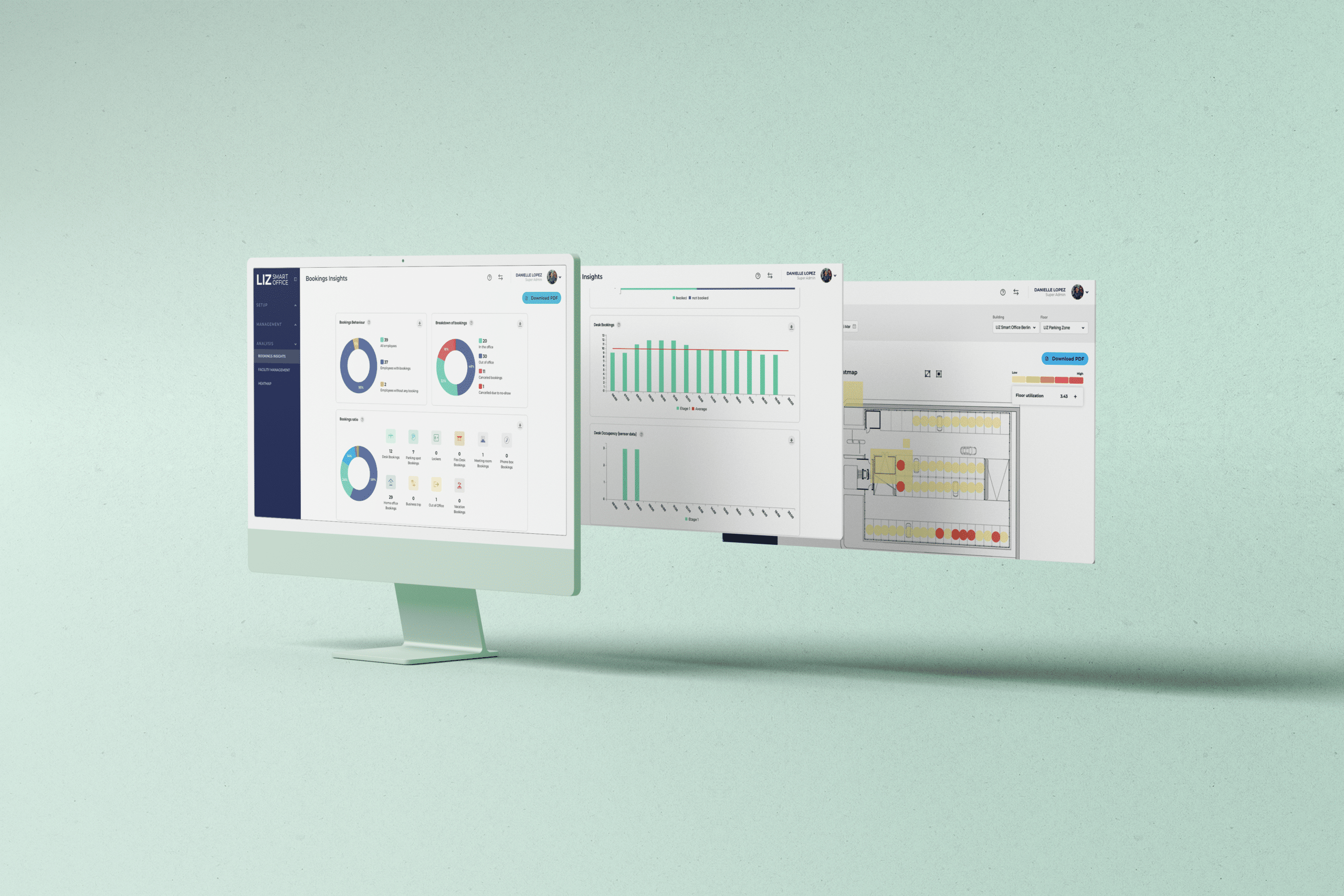
LIZ Smart Office is a comprehensive platform for businesses seeking a holistic, data-driven approach to workplace management. LIZ combines workspace, meeting room and car park booking with powerful analytics in a single, centralised solution.
Strengths:
- Complete all-in-one platform
- Advanced workspace booking with visual floor plans
- Seamless meeting room booking via Outlook & Teams
- Integrated car park management
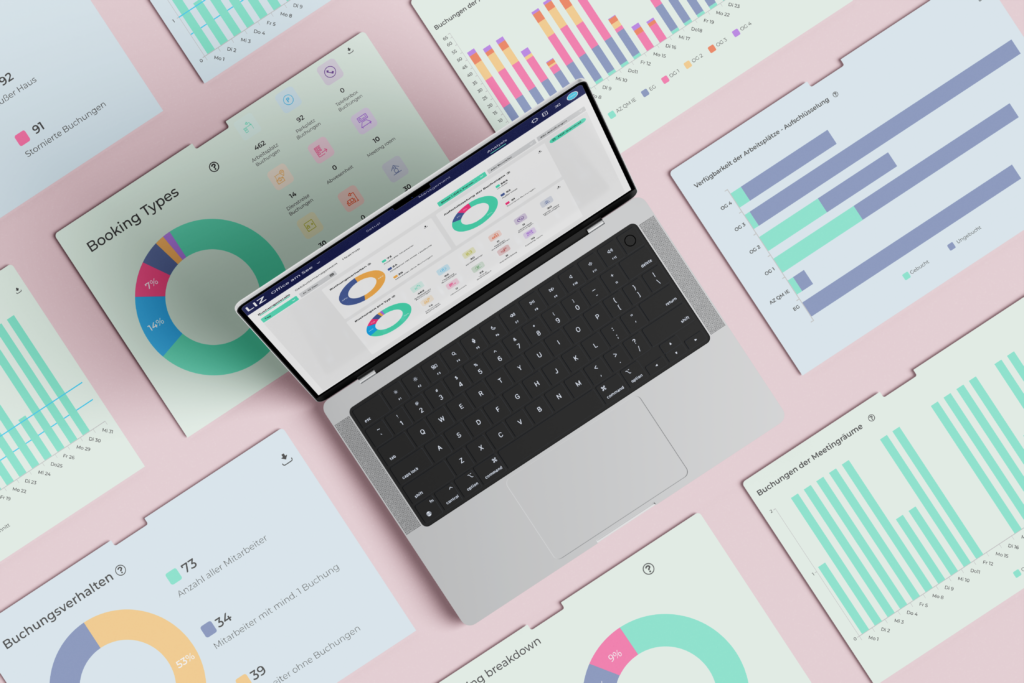
- Comprehensive analytics for space optimisation
Weaknesses:
- May be too comprehensive for very small businesses
- Implementation requires structured change management
LIZ clearly stands out through its focus on strategic workplace management rather than mere booking.
#2 Deskbird: Maximum user-friendlinesS
Deskbird is particularly well known for its ease of use and high level of acceptance amongst staff. The focus is on making workplace booking as seamless as possible in day-to-day use.
Strengths
- Very intuitive interface
- Quick to implement
- Good integrations
Weaknesses
- Limited analytics
- Car park booking less developed
- Meeting room booking less deeply integrated
Deskbird is particularly suitable for companies that prioritise simplicity and adoption.
#3 Flexopus: The well-balanced all-rounder
Flexopus offers a solid mix of features without any clear specialisation. A classic tool for desk booking and resource management.
Strengths:
- Good combination of workspace and meeting room booking
- Solid car park management
- Stable and scalable
Weaknesses:
- Less in-depth analytics
- UI is functional but not particularly modern
Flexopus is a reliable standard solution without any strong differentiating features.
#4 PULT: An easy introduction to hybrid working
PULT is aimed at companies that are just starting out with hybrid working models. The focus is on simple implementation and basic features.
Strengths:
- Simple workspace booking
- Quick to get started
- Good basic features
Weaknesses:
- Limited analytics
- Fewer features for meeting rooms and car parks
- Limited integrations
Ideal for companies that want to establish a structure first before scaling up.
#5 Robin: Strong focus on meeting rooms and office organisation
Robin is a well-established solution that is particularly impressive in the area of meeting room management. Robin was originally developed for organising meeting rooms and was later expanded to include desk booking.
Strengths:
- Very robust meeting room booking
- Good calendar integrations
- Clear room planning
Weaknesses:
- Workstation booking less flexible than with newer tools
- Little focus on car park management
- Less holistic approach
Robin is particularly suitable for companies where meeting rooms are the main bottleneck.
Conclusion: Trust as a competitive advantage
Choosing a workplace management tool is now much more than just a software decision; it directly influences how efficiently, flexibly and data-driven a company organises its office. In a hybrid working environment, it is no longer simply a matter of booking workstations or meeting rooms, but of the holistic management of office resources.
The key difference between solutions lies in the depth to which they integrate these functions. Whilst many tools cover basic features such as desk booking, meeting room booking or simple car park reservation, only a few offer a genuine integration of these areas with analytics, integrations and strategic space optimisation. However, it is precisely this combination that is becoming increasingly important, as companies need to use their office space efficiently whilst ensuring a good employee experience.
Another key factor is user-friendliness. Even high-performance systems offer no added value if they are not adopted in day-to-day use. That is why intuitive operation, mobile access and integrations with tools such as Outlook or Microsoft Teams are crucial to success.
There are also clear differences between the individual functional areas:
- Workstation booking must be simple, quick and, ideally, supported by visual aids.
- Meeting room booking is crucial for smooth collaboration in day-to-day office life.
- Car park booking is often underestimated, but has a major impact on employees’ daily experience, particularly in cities.
Ultimately, it becomes clear that there is no single perfect tool for all organisations. The right choice depends on whether the focus is on ease of use, individual functions or a holistic, data-driven workplace strategy.
The future of workplace management clearly lies in the intelligent integration of all office resources, moving away from isolated booking systems towards integrated platforms that make office space measurable, controllable and optimisable.